Access Yelp in Excel
Purpose
Unlock a wealth of content and data from over 50 million businesses. Search for businesses by name, phone number or find reviews in the Yelp database.
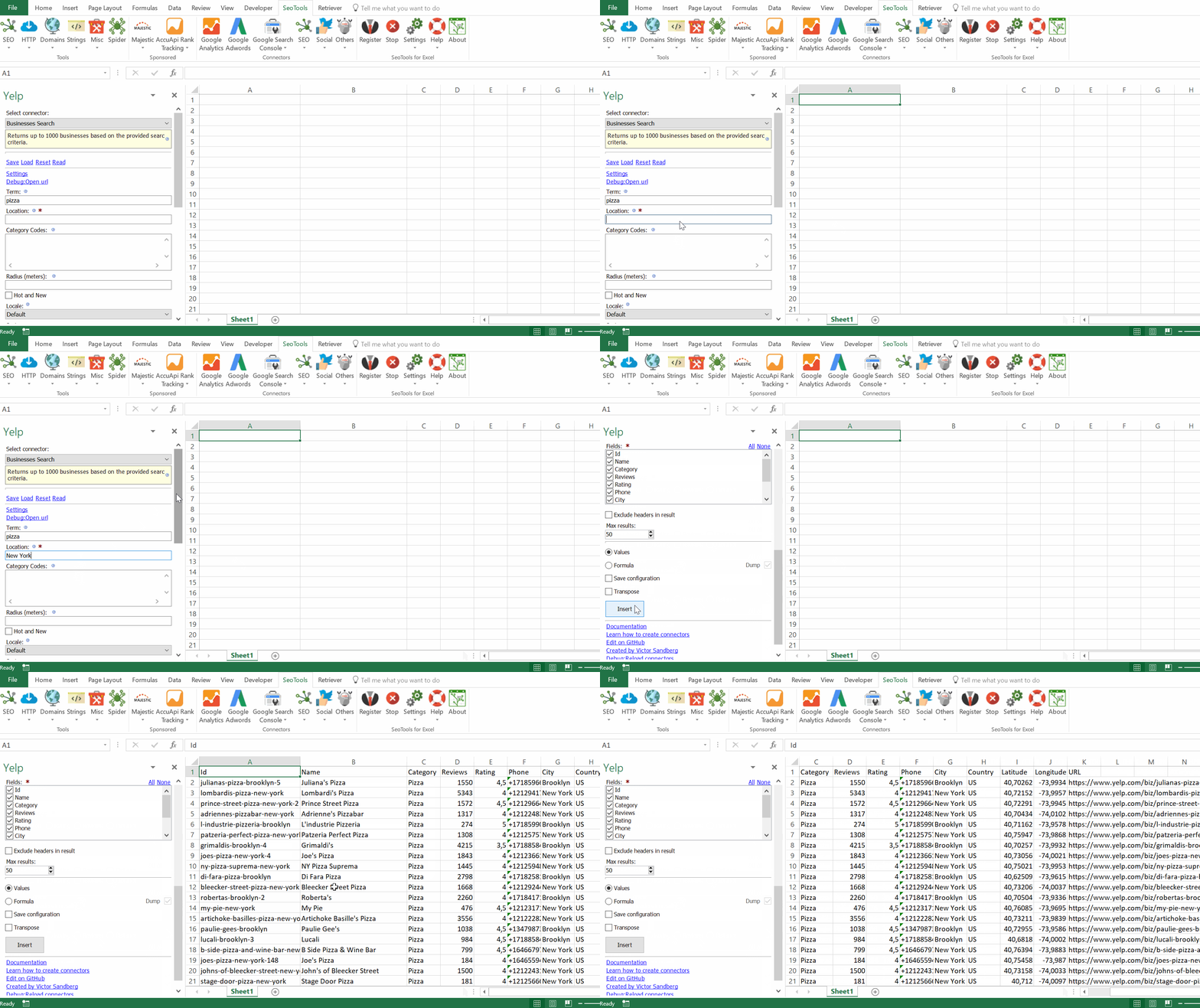
- Business Search - Returns detailed statistics of up to 1000 businesses. Available parameters:
- Search Query
- Location
- Radius
- Category
- Sorting (Best|Rating|Reviews|Distance)
- Phone Lookup - Returns a list of businesses based on the provided phone number.
- Reviews - Returns the up to three reviews of a business.
- Autocomplete Categories - Returns autocomplete suggestions for search keywords, businesses and categories.
- Autocomplete Terms - Returns autocomplete suggestions for search keywords, businesses and categories.
- Categories List - Returns all available categories used for filtering search results.
Access
Add from Manager
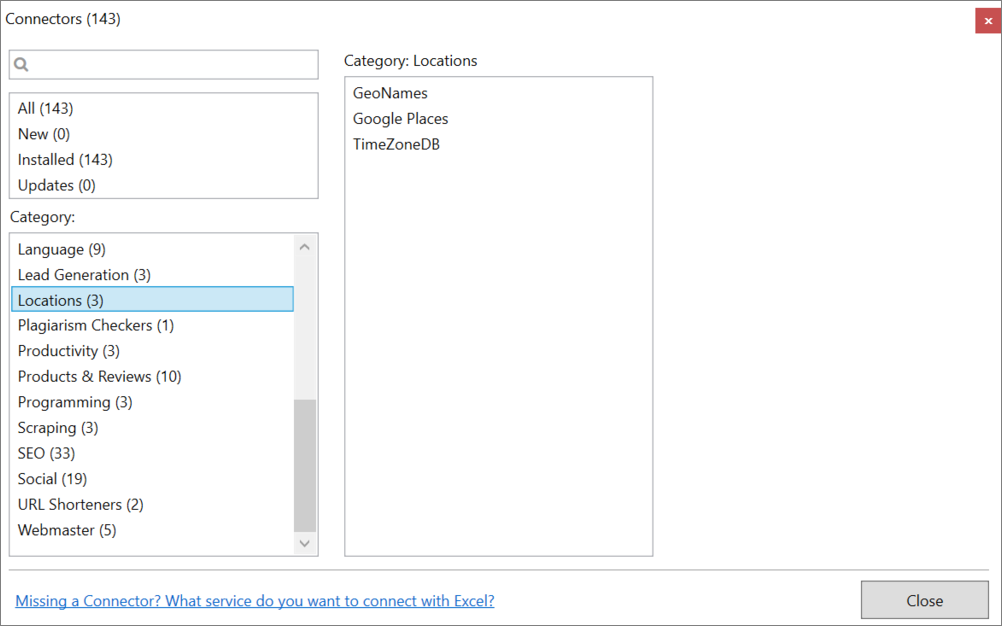
The Yelp Connector is available in the Connectors Manager in the top ribbon:

Head over to the Products & Review Sites Category and install Yelp:
Get API keys
To use the Connector you need a Yelp Account and a Developers App.
-
If you don't have an account, sign up here.
-
Next, go to the Developers Site and click on "Manage App".
-
Fill out the required fields, enter captcha, and click on "Register New App".
-
On the next page, copy the API Key and paste it in the Settings menu inside the Yelp Connector in SeoTools.
Contribute
This connector suite is open-sourced on GitHub.
Get help with this function in the community →